


Key Points
- Native apps run on Android 6.0+ and iOS 13.0+, installed via Google Play, the App Store or the official APK.
- Cash games, tournaments and Spin & Go stay available across up to four simultaneous tables.
- A brief network drop pauses the hand rather than ending it — the client reconnects and rejoins the table automatically.
- Mobile-only bonuses, 24/7 chat support and account security tools round out the app experience.
Getting BCPoker Set Up on Android Devices in Canada
A BC Poker download on Android is available through two official routes for users in Canada. The first route uses Google Play Store, which handles installation through the usual Android process. The second route uses the APK package provided through the official platform when direct installation is preferred.
Android 6.0 or later is required for the native client. The store route suits players who prefer marketplace delivery, while the APK route gives direct control over the installation file. Either version opens the cash-game, tournament, Spin & Go, and other BC Poker rooms available on a supported phone.

The last one was received 3 minutes ago
Google Play and APK Setup
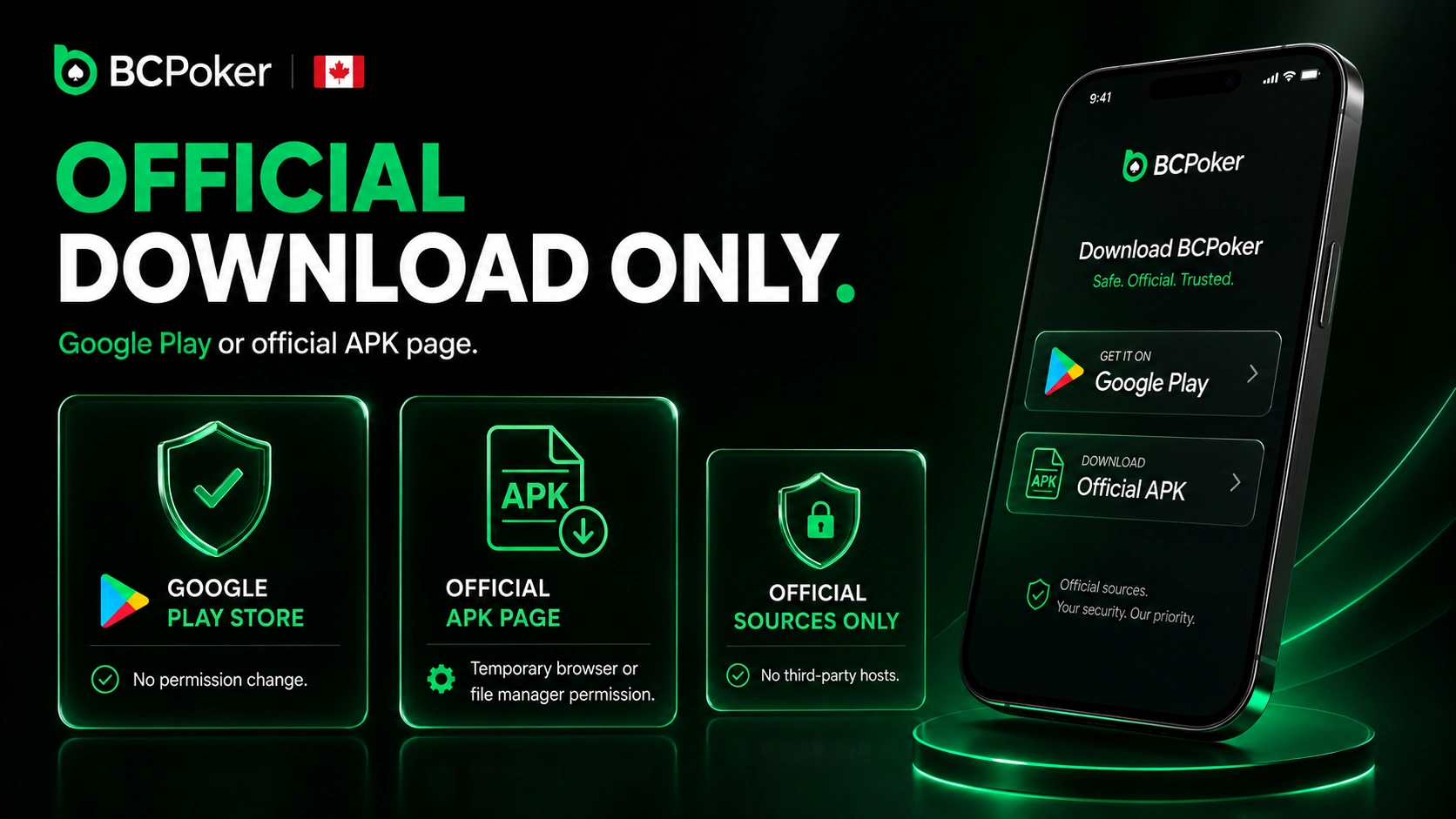
The play on the platform should begin from Google Play Store or the official APK page rather than a third-party file host. The store method requires no change to Android security permissions. The APK method may require temporary permission for the browser or file manager that opens the package.
- Choose the source: open Google Play Store or obtain the APK from the official mobile download area.
- Start installation: select the install command in the store or open the downloaded APK package.
- Approve the APK source: allow installation from that source only when Android requests permission.
- Finish the setup: open the installed client and sign in with the account details used on the platform.
After an APK installation, the temporary source permission can be disabled again in Android settings. Future APK versions should also come from the official platform so the installed package is not replaced by an altered file.
Getting BCPoker Set Up on iOS Devices in Canada
The BC Poker app download for iPhone and iPad is handled through the Apple App Store for players in Canada. The native version supports devices running iOS 13.0 or later.
The iOS client connects to the profile already used in a browser or on another supported device. Balance information, transaction history, VIP progress and personal settings synchronize automatically. This lets a player change screens without creating a separate mobile account.
App Store Download Steps
The app download process starts on the official download page rather than a direct App Store search. Scanning the QR code shown there opens the correct App Store listing without typing anything into the store.
- Open the download page: visit the official page or scan the QR code with the device camera. .
- Reach the listing: follow the link to the app’s page in the App Store.
- Unlock the app: open the Exclusive Link shown on the same download page to complete access.
- Launch the client: open the installed software before entering the existing account credentials.
Mobile-Only Bonuses for BCPoker Players
The BCPoker app includes a $5 BCD no-deposit reward tied to mobile registration and completed KYC. This part of the welcome package is reserved for users who meet the app-based eligibility conditions. It is separate from the first-deposit offer and the newcomer mission rewards.
The BCD balance converts through real-money activity rather than becoming withdrawable cash immediately. Poker players unlock it by generating a rake equal to 10 times the bonus value, while casino wagering uses a 50-times requirement. Profit produced after the requirement is completed has no stated cashout cap.
Offline Mode and Session Continuity on Mobile
The mobile client requires an active internet connection, since cards, actions and account balances are processed online rather than stored locally. There is no offline poker mode – a temporary network interruption pauses communication with the table instead of preserving a hand on the device.
After reconnection, the software reloads current lobby and table information from the server. A player can attempt to rejoin an active table when the seat and table rules still allow it. Seat-hold time can vary by situation, so keeping a stable Wi-Fi or mobile data connection remains the most reliable way to stay active during a live hand.
Storage Requirements and Update Frequency for the Application
The BC Poker app’s storage requirements may vary depending on the package version, cached assets and temporary installation files. Before installation, players can check the current file size shown in the app marketplace or APK prompt and make sure enough free space is available on the device.
Update frequency follows the platform’s regular release cycle rather than a fixed public schedule. Store users can follow the update notice displayed by their device, while APK users should obtain replacement packages only from the official source. Keeping some free storage beyond the listed package size helps the operating system complete an update without removing other files.
The last one was received 3 minutes ago
Biometric Login and Face ID Access
The BCPoker app supports secure account access through a password. On compatible devices, players can also use the phone’s built in password manager or protected credential storage to simplify login. These device security tools operate separately from the app, so players should keep their account password available for standard authentication.
Account protection includes Google Authenticator two-factor verification. The security system may also request a three-dimensional liveness check to confirm that a real person is using the account at a table. Platform information states that data from this liveness process is not stored as a reusable biometric login record.
Table Layout and Screen Orientation Options
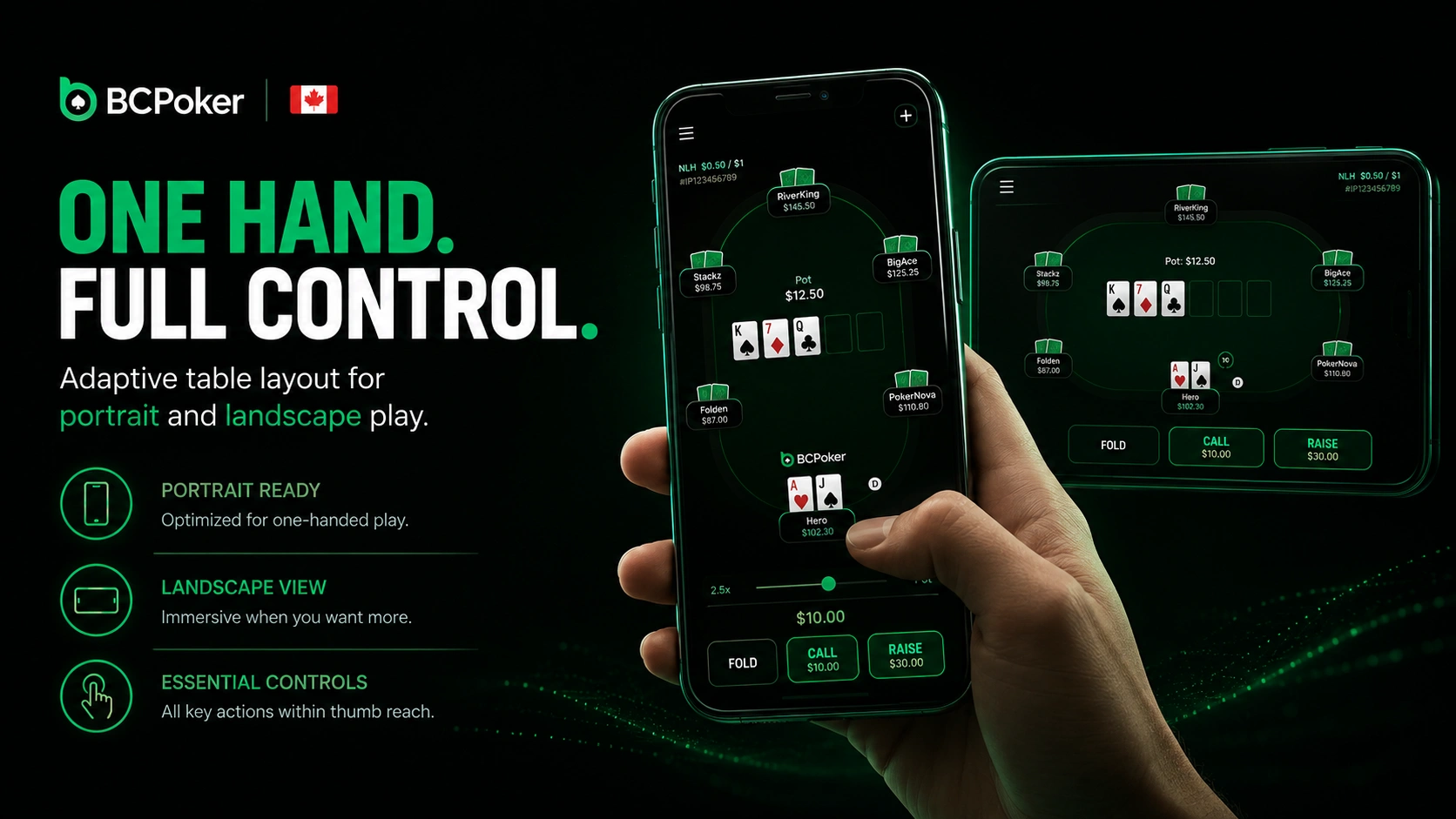
The mobile table interface supports comfortable one handed control, making portrait mode practical for short sessions. Screen orientation and table layout adapt to the device, operating system and active table view, helping players maintain clear access to essential controls in both portrait and landscape use.
Players can move between open tables through tabs at the top of the interface. Mobile multitabling supports as many as four tables, although a smaller screen makes each additional table less convenient to monitor. Before a real-money hand begins, it is sensible to confirm that cards, action buttons and bet controls are fully visible in the chosen position.
In-App Support Chat for Players in Canada
The BC Poker app gives players in Canada access to live chat support at any hour of the day. The chat route can be opened from the mobile interface, which avoids moving an active support issue to a separate website. This is useful when a player needs help with login access, verification, payments or lobby navigation.
Support can review account-specific issues after the player provides the requested identifying details. Sensitive passwords, authentication codes and wallet recovery phrases should never be sent in a chat message. Other official contact routes exist, but the embedded chat is the most direct option while using a phone.
Battery and Performance Optimization on Mobile Devices
The native software is optimized for supported Android and iOS devices. Battery usage depends on screen brightness, connection quality, device age and the number of active tables. Longer sessions with several tables may require more processing power than a single-table session, so keeping brightness at a moderate level and closing unused apps can help extend battery life.
Reducing display brightness can lower power demand during a long session. Closing unused tables and other background applications can also leave more memory available for the active game. A stable network limits repeated reconnection attempts that consume power and interrupt decision time.